
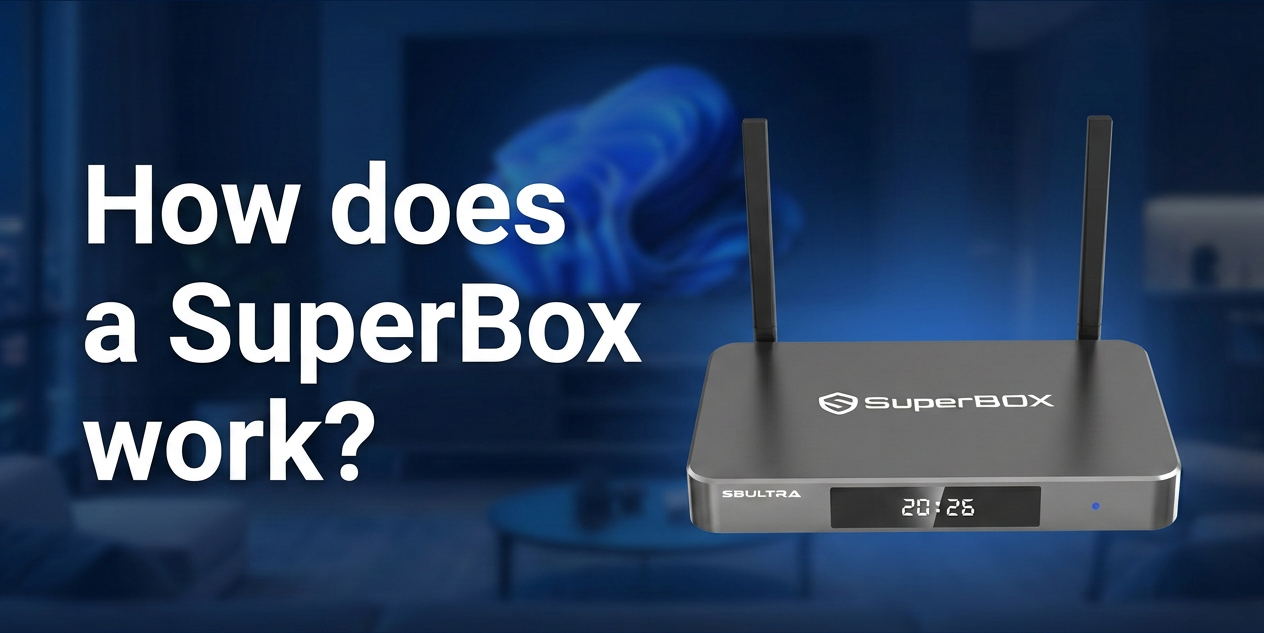
If you're considering a SuperBox for your home entertainment setup, you may be wondering: How does a SuperBox work?
A SuperBox is an Android-based streaming device that connects to your TV and internet connection. Once connected, it provides an easy-to-use interface for accessing compatible apps and entertainment features on your television.
In simple terms, the process works like this:
SuperBox → TV → Internet Connection → Apps and Streaming Services
This guide explains how a SuperBox works, what you need to get started, and how the different features of the device fit into your everyday viewing experience.
How Does a SuperBox Connect to Your TV?
A SuperBox connects to your television through an HDMI cable. The device sends its video and audio signal directly to the TV, turning the television screen into the main display for the SuperBox interface.
To get started, you generally need:
-
A TV or monitor with an HDMI port
-
A power outlet
-
An internet connection
-
The included remote control
You do not necessarily need a smart TV. As long as your TV has a compatible HDMI input, you can connect the SuperBox and use its interface.
How Does SuperBox Connect to the Internet?
A SuperBox needs an internet connection for streaming and for accessing internet-based apps and services.
There are two main ways to connect the device:
Wi-Fi
Wi-Fi provides a convenient wireless connection. After turning on the SuperBox, select your home network from the settings menu and enter your Wi-Fi password.
The latest SuperBox models, including the S8 series, support modern wireless technology such as Wi-Fi 6 for improved network performance.
Ethernet
You can also connect the SuperBox directly to your router using an Ethernet cable.
A wired connection can provide a more stable network connection, especially when the router is located near your TV setup.
The quality of your streaming experience can depend on factors such as internet speed, network stability, and the service or app you are using. SuperBox setup guides generally recommend using a reliable Wi-Fi or Ethernet connection for smooth streaming.
What Happens After You Turn On the SuperBox?
After connecting the SuperBox to your TV, power source, and internet connection, the device loads its Android-based interface.
You can use the included remote to navigate the home screen, open compatible apps, adjust settings, and access available features.
The basic workflow is simple:
-
Turn on your TV and select the correct HDMI input.
-
Power on the SuperBox.
-
Connect the device to Wi-Fi or Ethernet.
-
Use the remote to navigate the on-screen interface.
-
Open compatible apps or features and start watching available content.
SuperBox devices function as media players that use an internet connection to access compatible apps and services. The specific content available depends on the apps and services being used, as well as applicable account or subscription requirements.
How Does Streaming Work on a SuperBox?
Unlike traditional cable television, internet streaming delivers video through your internet connection.
When you select content through a compatible app or service, the device receives streaming data through your network and displays the video on your TV.
Several factors can affect streaming performance:
-
Internet speed
-
Wi-Fi signal strength
-
Network traffic
-
The quality and availability of the streaming service
-
Your TV's display capabilities
This is why a stable internet connection is an important part of the SuperBox experience.
How Does the SuperBox Remote Work?
The remote control allows you to operate the SuperBox from your couch.
Depending on the model, the remote can be used to:
-
Navigate the home screen
-
Open apps
-
Adjust settings
-
Search for content
-
Control playback
-
Use supported voice functions
The remote communicates with the device to make navigation easier, so you can access different features without using a keyboard or mouse.
What Features Can You Use on a SuperBox?
The available features vary by SuperBox series and model.
Core features across different models may include streaming capabilities, playback functions, parental controls, and voice control. The newer SuperBox S8 series also introduces additional viewing and recording features.
Multi-View and Picture-in-Picture
SuperBox S8 models support Multi-View and Picture-in-Picture (PiP) features.
Picture-in-Picture displays a smaller video window alongside the main screen, while Multi-View allows compatible content to be viewed in more than one screen area.
The available channel selection for Multi-View can vary between S8 models. For example, the S8 Plus has more limited Multi-View channel availability than higher-positioned models such as the S8 Max.
Built-In Recording
The S8 series also includes built-in recording functionality. Depending on the recording setup and storage configuration, this feature allows supported programs to be recorded for later viewing.
Time Shift and Playback
Time Shift and Playback features provide additional flexibility when watching supported content.
These functions can be useful when you want to revisit previously aired programming or manage your viewing schedule more conveniently.
Does Every SuperBox Work the Same Way?
The basic setup process is similar across SuperBox models: connect the device to your TV, connect to the internet, and use the remote to navigate the interface.
However, hardware specifications and features can differ between models.
For example, storage capacity, Multi-View functionality, USB configuration, remote features, and other capabilities may vary across the S8 lineup.
Here is a simple overview:
| Feature | SuperBox S6/S7 Series | SuperBox S8 Series |
|---|---|---|
| Connects through HDMI | Yes | Yes |
| Wi-Fi and network connection | Yes | Yes |
| Android-based system | Yes | Yes |
| Voice control | Available on supported models | Available on supported models |
| Time Shift and Playback | Yes | Yes |
| Multi-View / PiP | No | Available on S8 models |
| Built-in Recording | No | Available on S8 models |
| Upgraded streaming system | — | Yes |
Final Thoughts: Choosing the Right SuperBox
Understanding how a SuperBox works makes it easier to choose the right model for your home entertainment setup. Simply connect the device to your TV through HDMI, connect it to a reliable internet network, and use the remote to access its interface and available features.
When choosing a SuperBox, consider the features that matter most to you. The SuperBox S6 and S7 series provide the essential streaming experience and core features, while the newer SuperBox S8 series adds upgraded capabilities such as Multi-View, Picture-in-Picture, and built-in recording.
If you are looking for a newer SuperBox with more advanced viewing options, explore the SuperBox S8 series and compare the available models to find the storage capacity and Multi-View features that best match your needs.